A complete step-by-step guide for brands and creators to get started, complete profiles, and start collaborating.
What is Clout Buzzar?
Platform Overview
Clout Buzzar connects brands with creators whose reach is verified through their own social accounts, then gets out of the way so the two of you can agree terms directly.
🔍
Search Verified Creators
Filter by niche, platform, location, follower count, budget and availability.
✅
Verified Channels
Follower counts and channel links are read from the creator’s own connected account.
💬
Direct Messaging
Discuss the brief, deliverables and timelines with the creator directly.
🔖
Save & Compare Creators
Bookmark creators and compare them side-by-side.
📅
Bookings
Manage scheduled collaborations and deliverable timelines.
🤝
Deal Directly
You agree terms with the creator. Clout Buzzar takes no cut and handles no payments.
Getting Started
Complete Sign Up Process
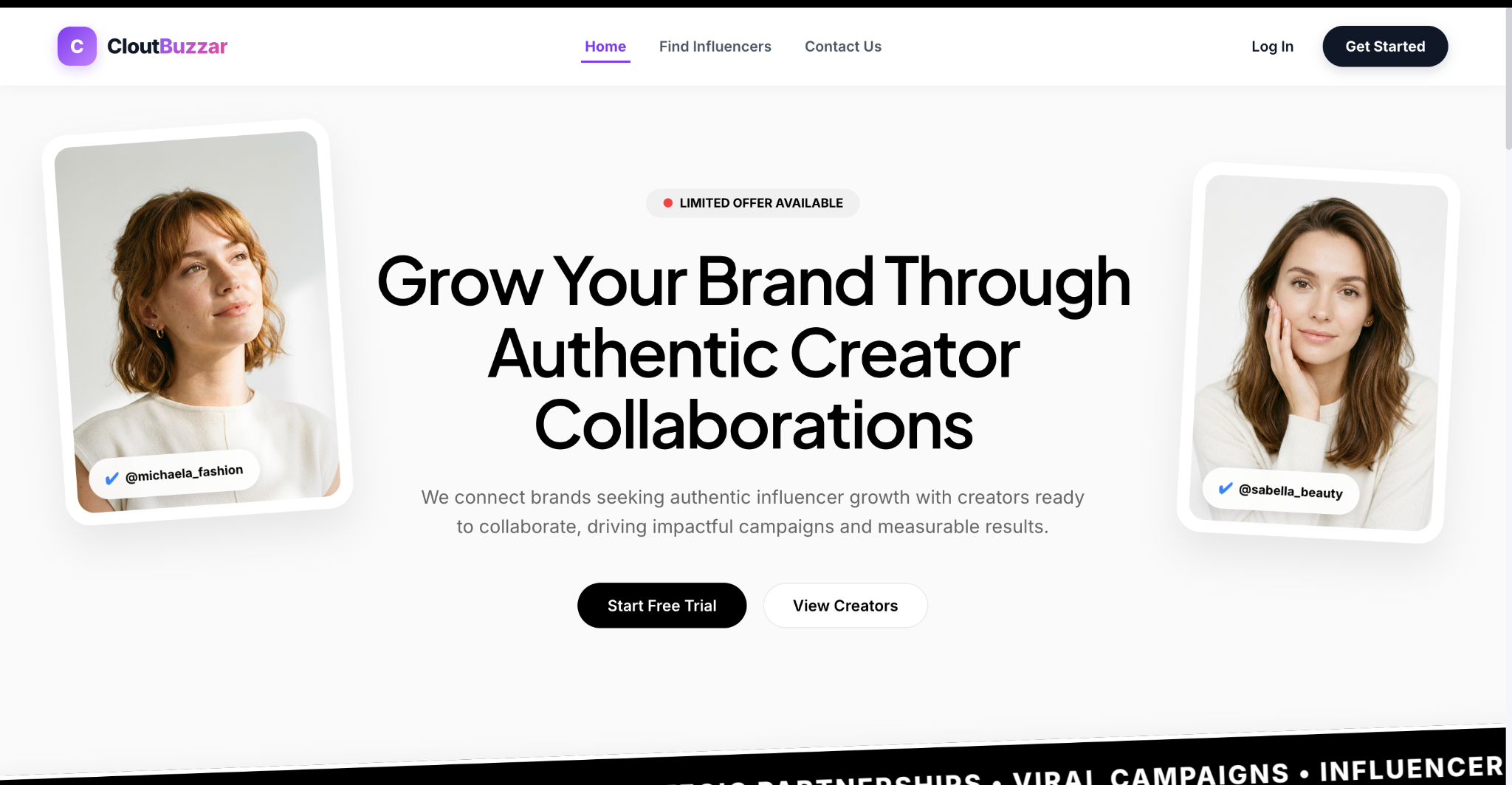
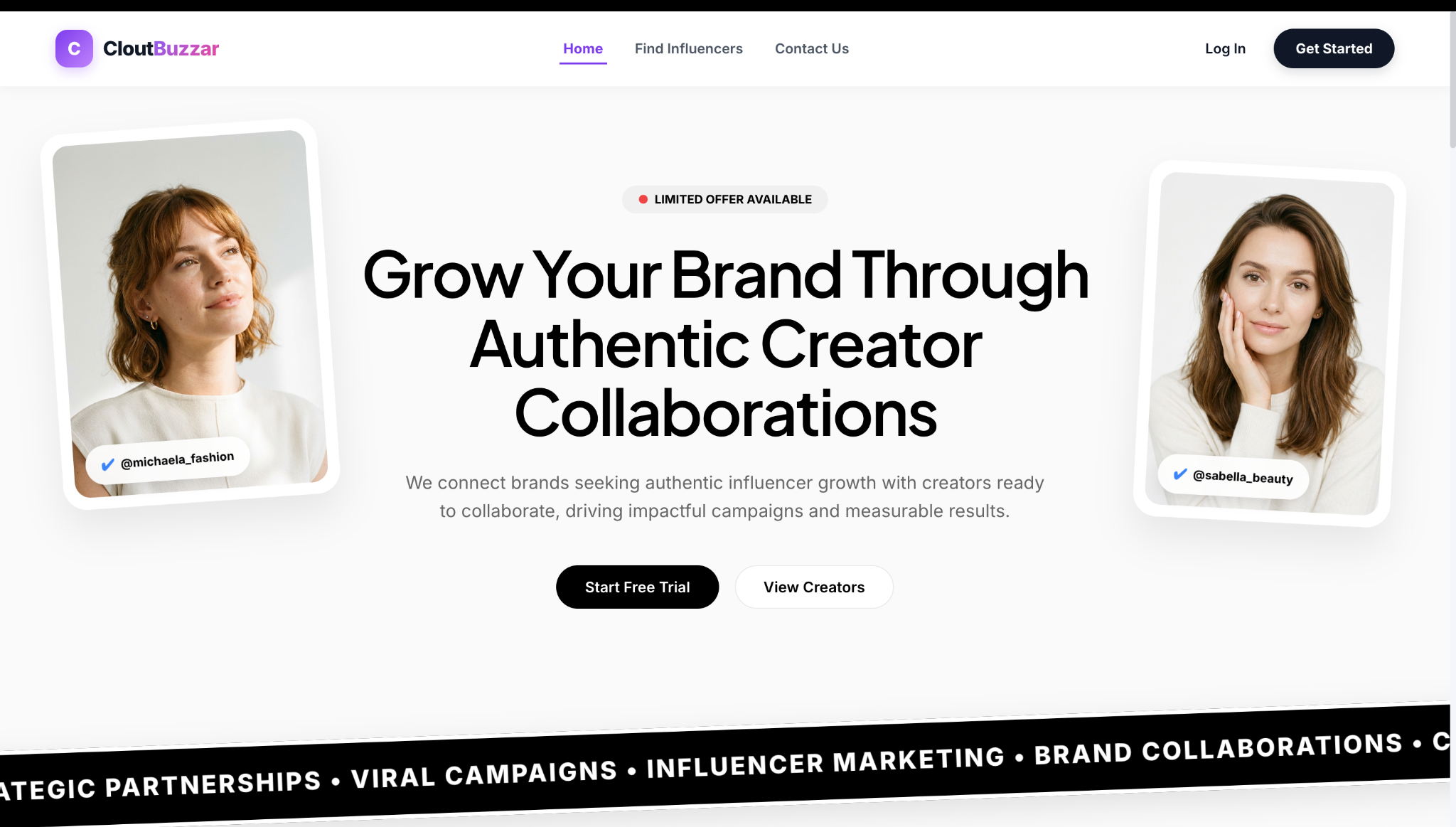
The sign up process begins from the "Get Started" button in the top navigation or on the homepage.
1
Click "Get Started"
Find this button in the top navigation or the homepage hero section.
2
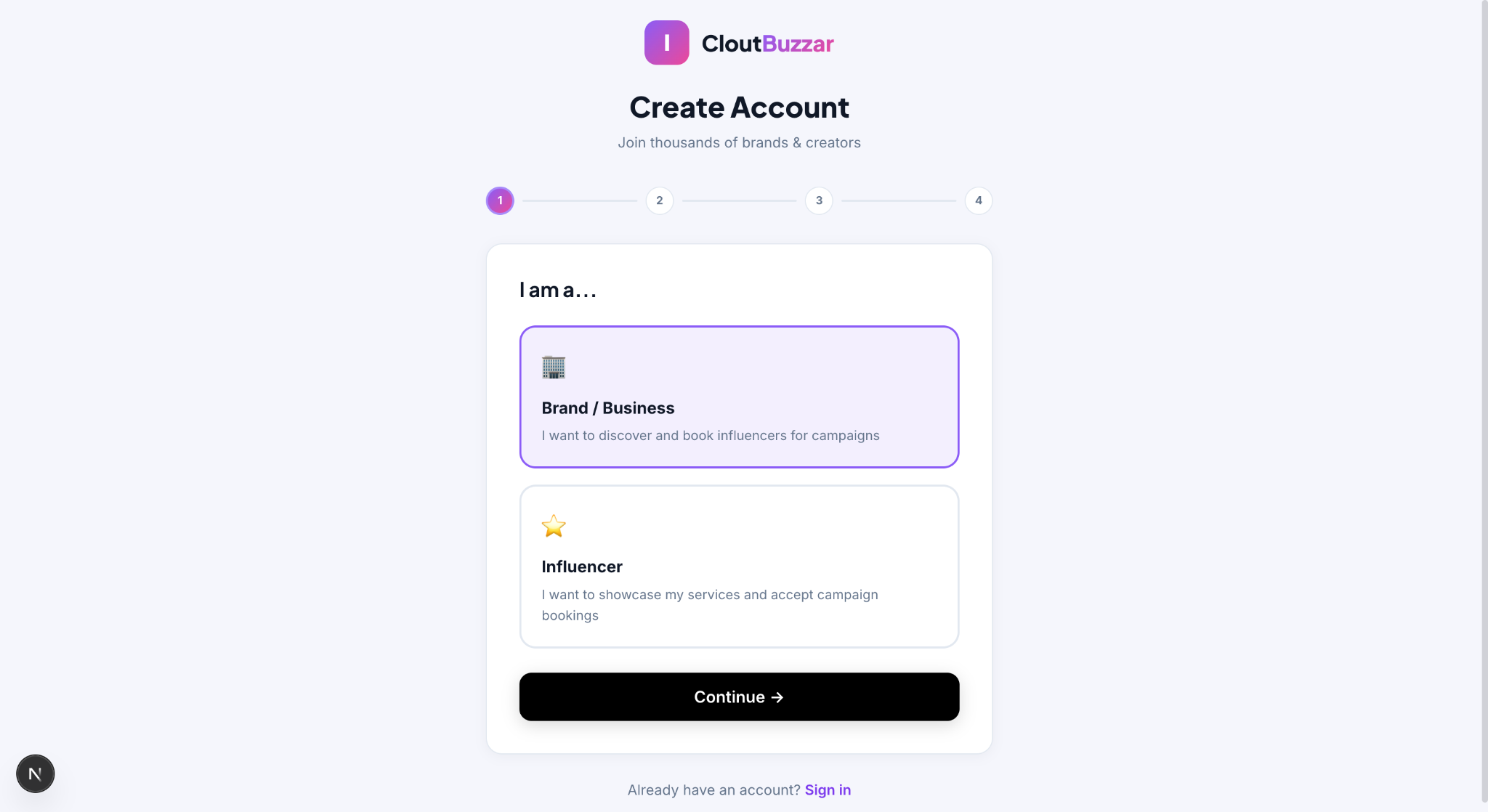
Select "Join as Brand" on the account type screen
Choose between Brand and Creator account types.
3
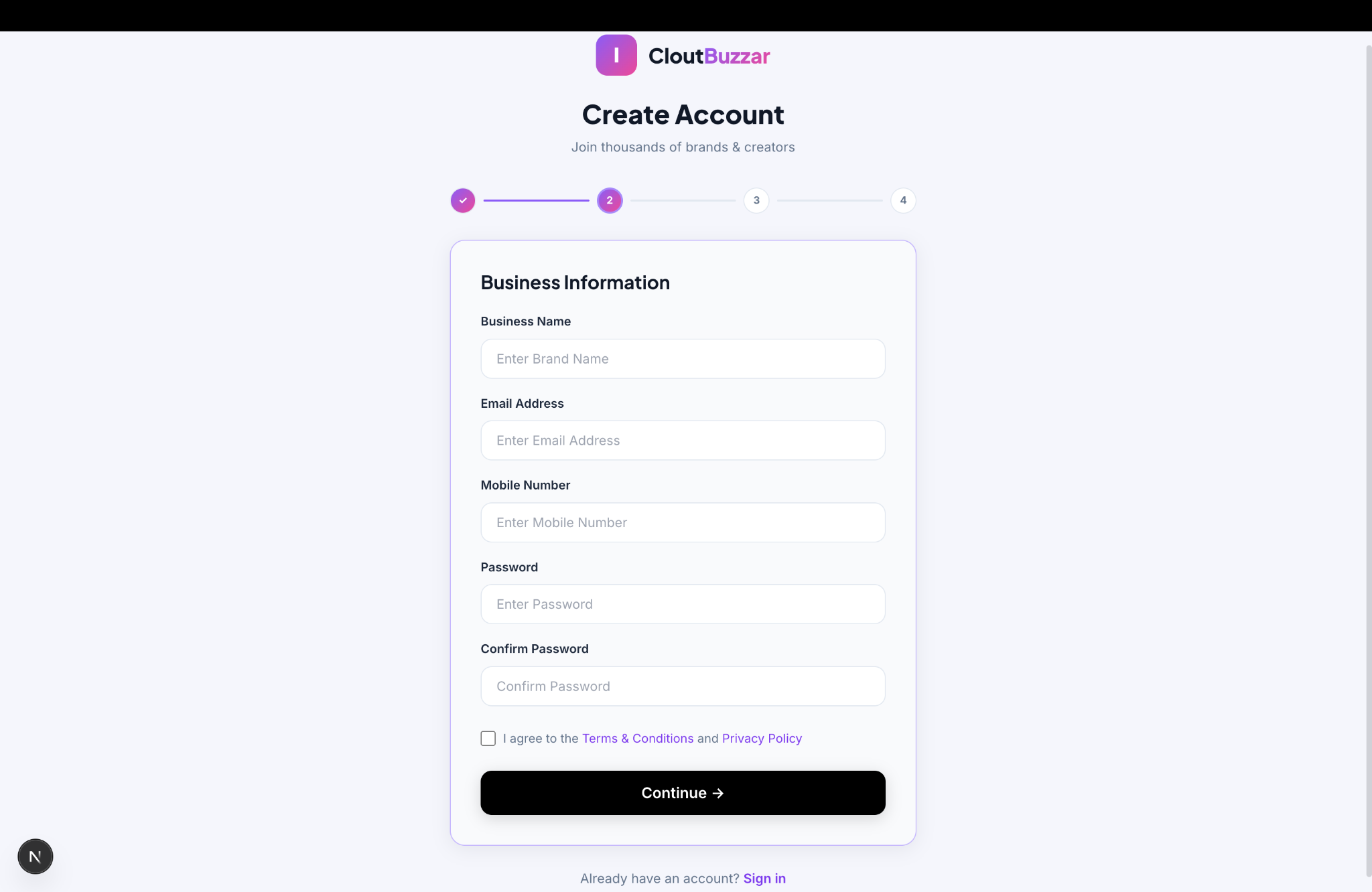
Enter your company details
Fill in your company name, work email, mobile number and create a password.
4
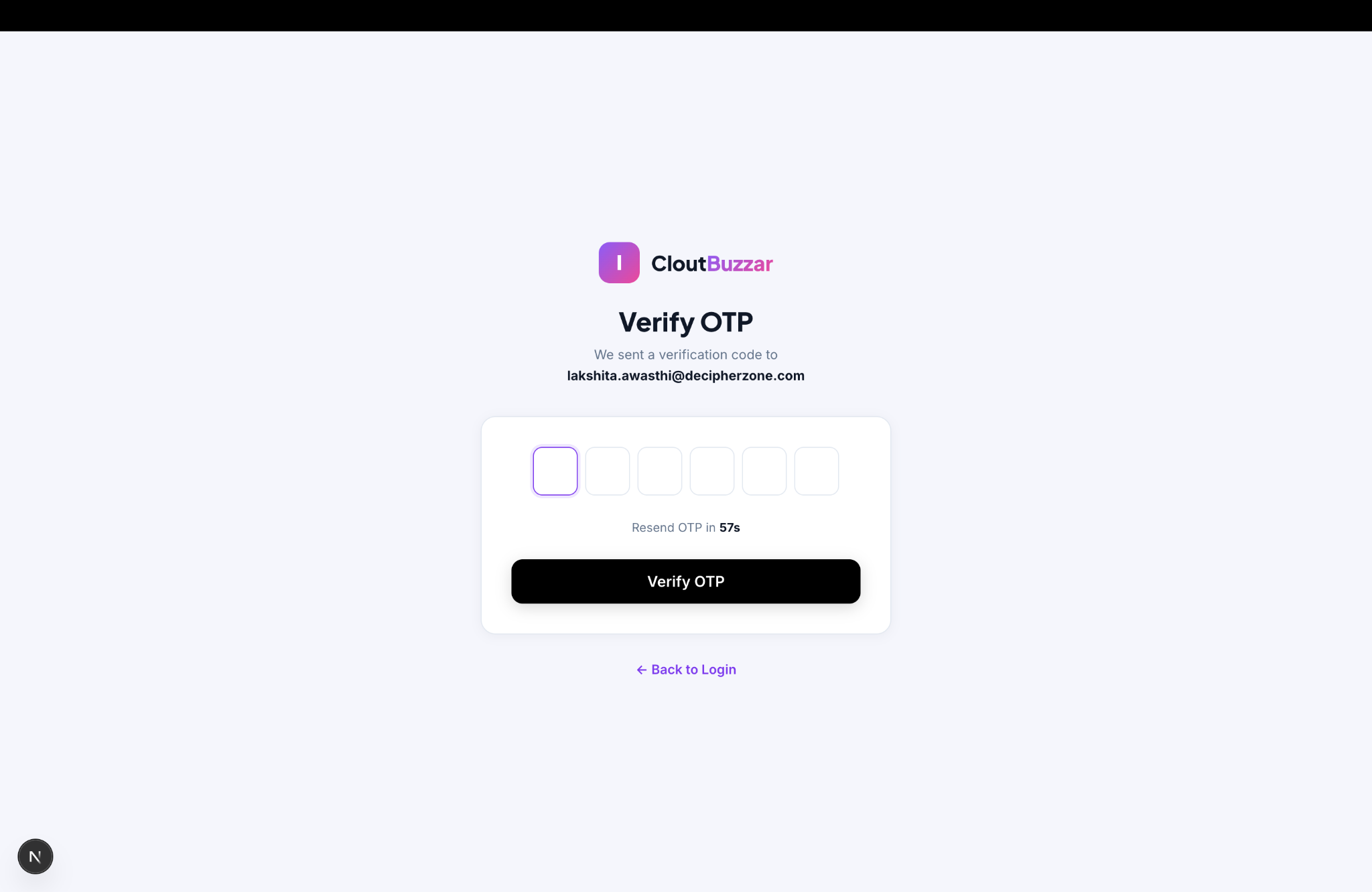
Verify your email via OTP
Check your inbox for a 6-digit OTP. If not received, check spam/junk folder and click "Resend OTP" after 60 seconds.
5
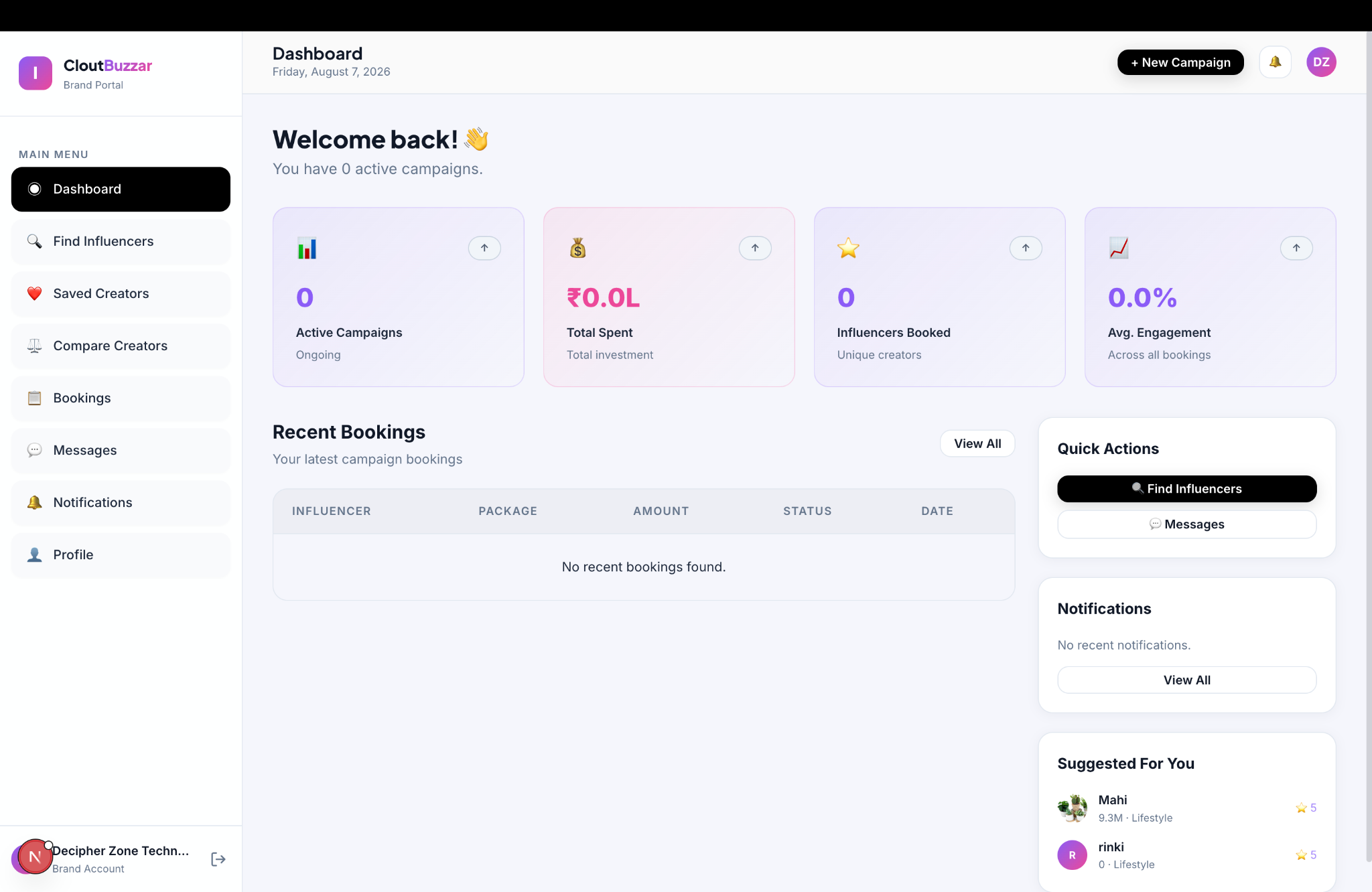
Access your Brand Portal dashboard
Once verified, you will land on your Brand Portal dashboard.
Authentication
How to Log In
1
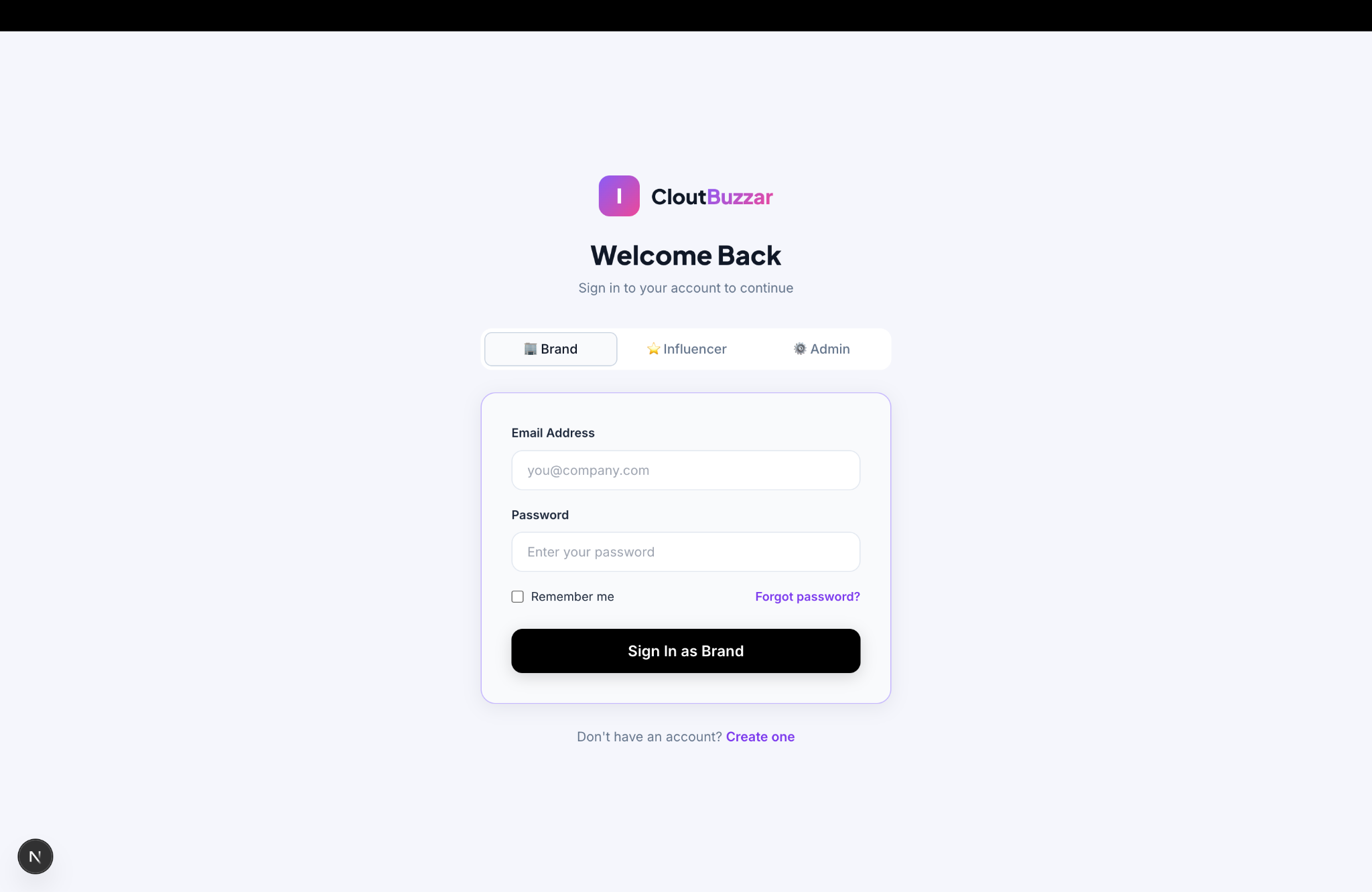
Click "Log In" in the top right navigation
Find the Log In button in the header.
2
Enter your credentials
Enter your registered email address and password, then click "Log In".
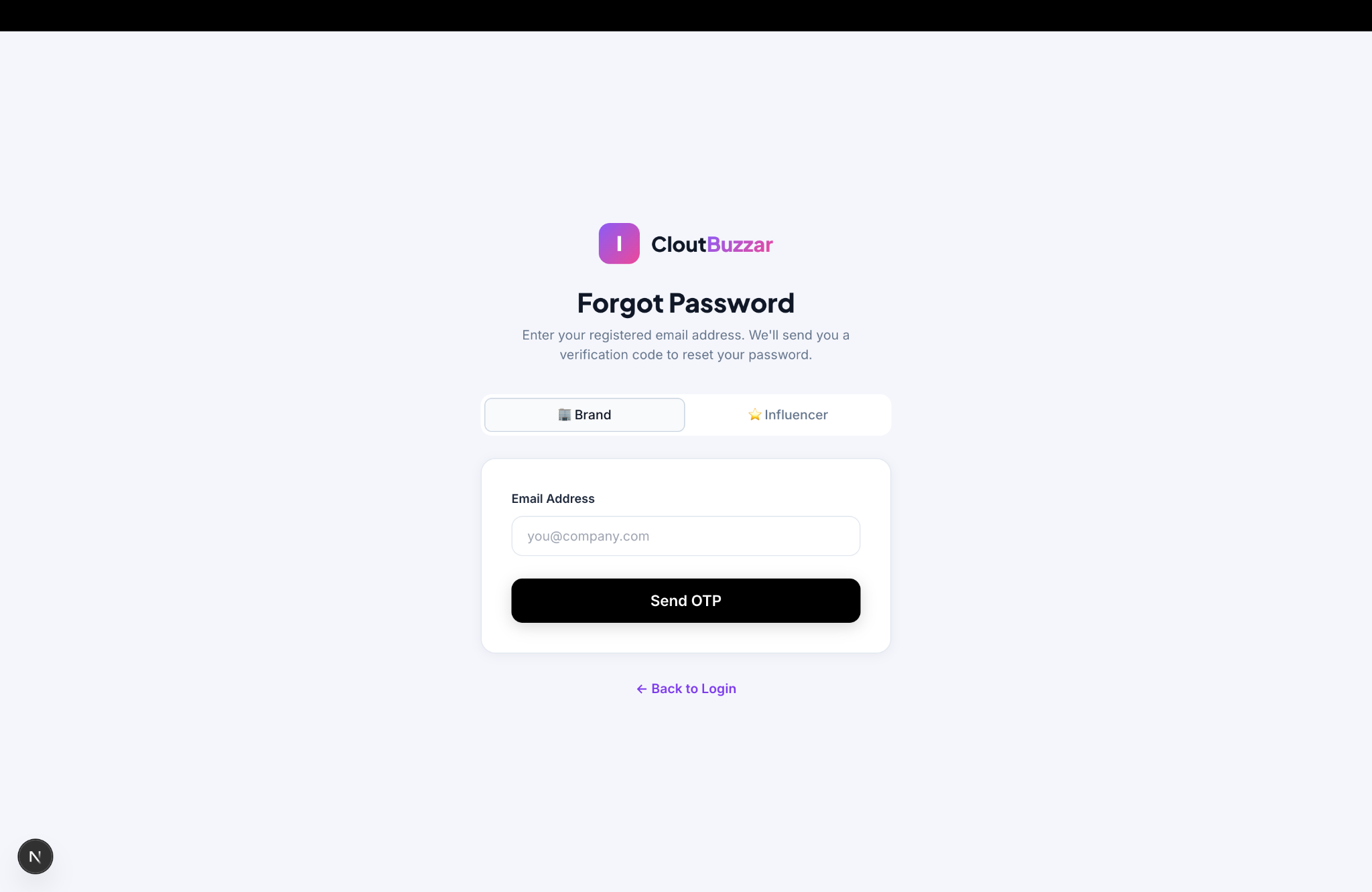
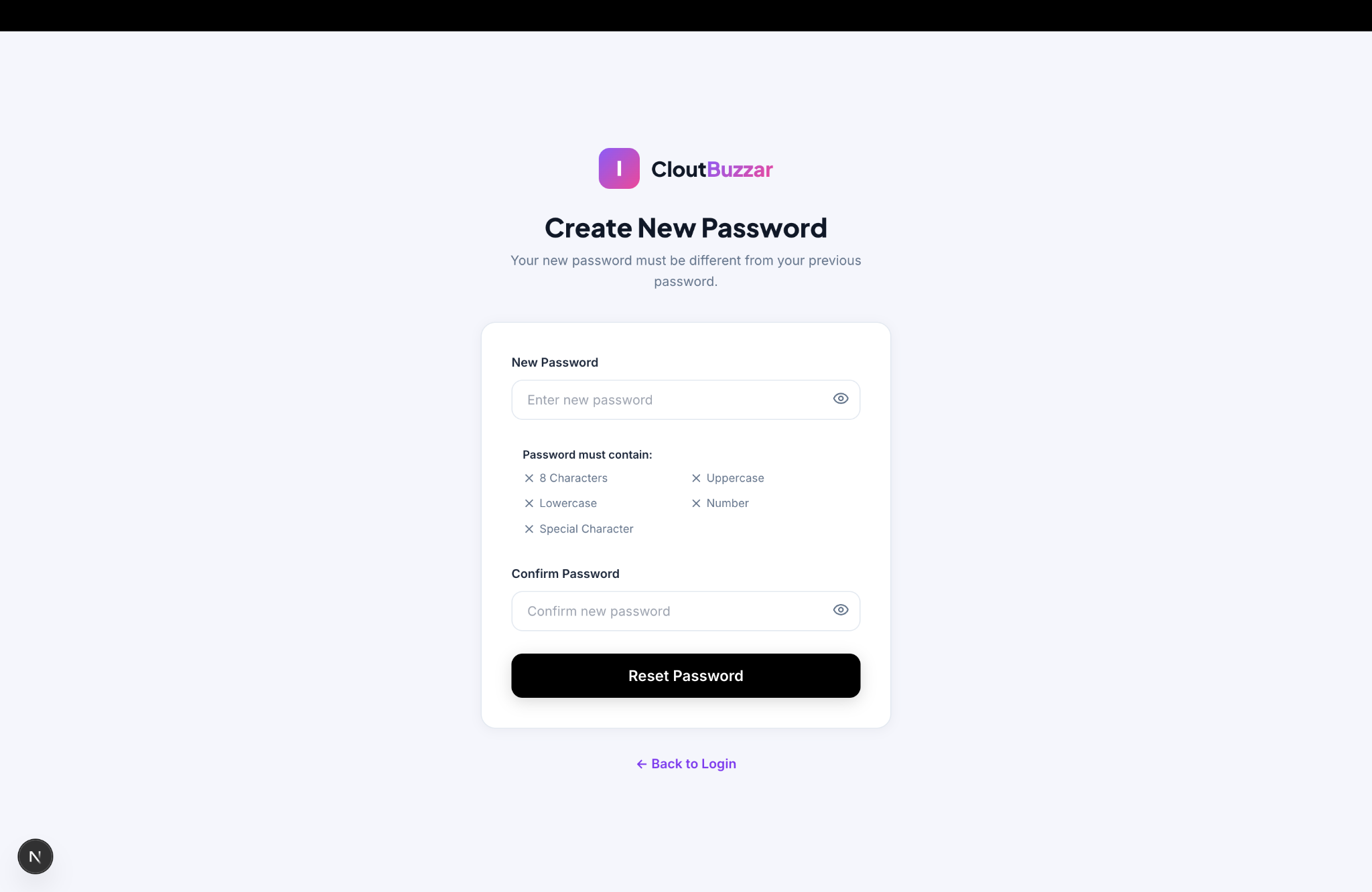
🔑 Forgot Password?
Click "Forgot Password" on the login page
Enter your registered email and click "Send OTP"
Enter the 6-digit OTP received in your inbox
Create a new password and click "Reset Password"
Log in with your new password
Profile Setup
How to Complete Your Profile
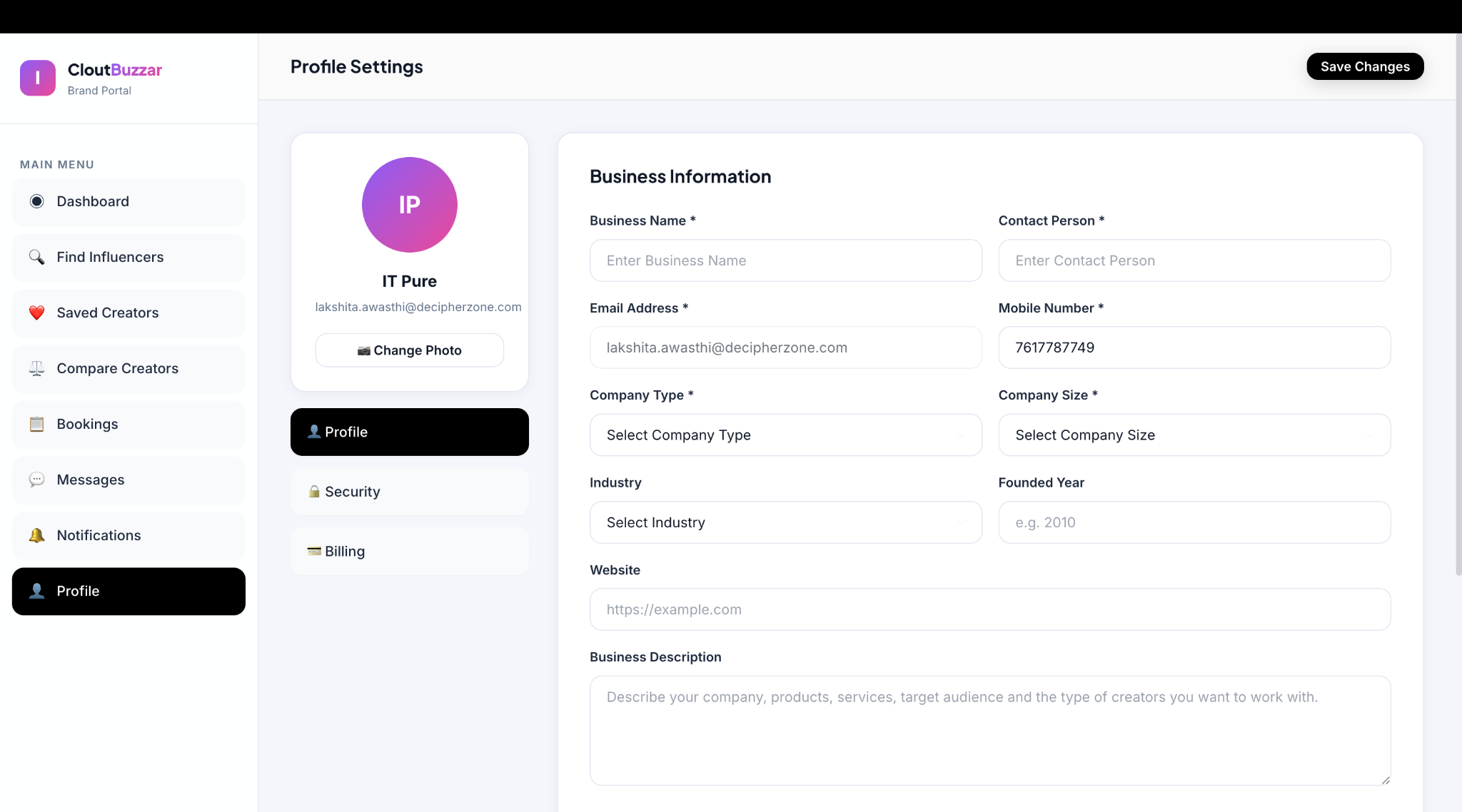
Go to Profile → Profile Settings to complete your business information.
1
Business Information
Enter Business Name, Contact Person, Email Address, Mobile Number (mandatory), plus Company Type, Size, Industry, Founded Year, Website, and a Business Description.
2
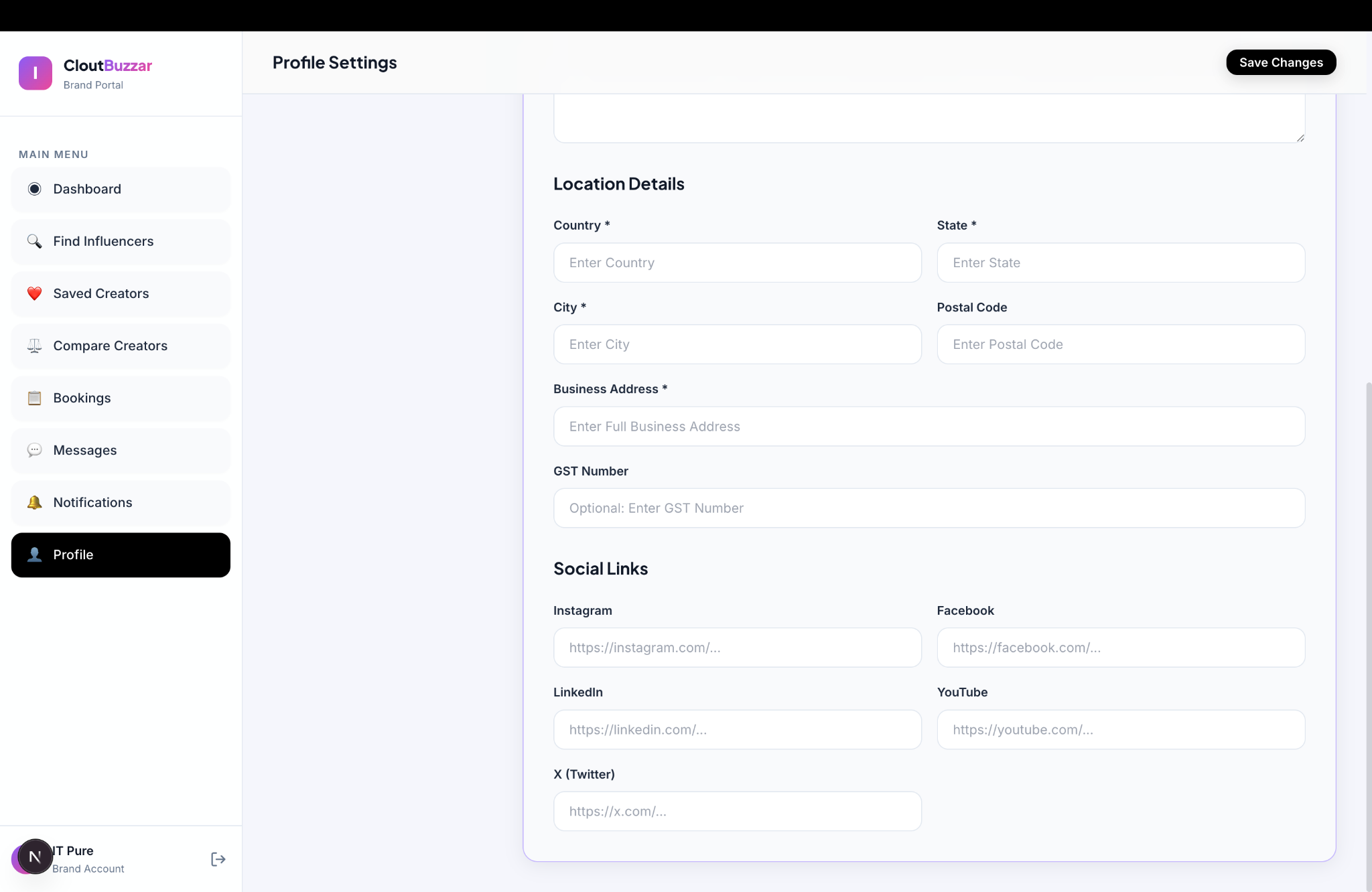
Location Details
Add your Country, State, City, full Business Address (required), Postal Code, and GST Number (optional).
3
Social Media Links
Add your business social accounts (Instagram, LinkedIn, YouTube, X/Twitter) so creators can learn more about your brand.
4
Click "Save Changes"
Click Save Changes at the top of the page to finish.
Getting Work Done
How to Complete Your First Project
The four steps on the homepage, Create, Discover, Collaborate, Grow, look like this in the app.
🏢 For Brands
Create - complete your business profile so creators know who is approaching them
Discover - search Find Influencers, save the ones you like and compare them side by side
Collaborate - open a creator’s Packages tab, start a discussion and agree deliverables, timeline and price in Messages
Grow - track what you agreed under Bookings and keep the creators who deliver on your shortlist
🎨 For Creators
Create - complete your profile and verify a social account so you appear in search
Discover - set up your offerings under My Packages so brands can see what you sell and at what price
Collaborate - answer enquiries in Messages and agree deliverables, timeline and price
Grow - accept requests under Bookings, keep the status up to date as the work moves, and build repeat partnerships
On money: Clout Buzzar handles no payments. A creator’s prices are there so you both know what you are discussing; how and when the creator is paid is agreed and settled between the two of you.
Navigation
Dashboard Overview
🏢 Brand Portal
•Dashboard - overview of account & campaign activity
•Find Influencers - search, discover & save creators